

Launch offer: Get 10 GB Business Mail for $20/user for the first year. View offer

Business email that stays out of your way.

Professional addresses on your own domain, a clear control panel for administrators, and secure webmail for every mailbox.

Everything your business email needs.

From moving your old mail to protecting your domain — it is all included, with no paid add-ons.

Professional email on your domain

Create addresses like name@yourcompany.com to strengthen your brand and earn customer trust with every message.

Free migration of your existing email

We bring your messages, folders and attachments across from your current provider — at no extra cost.

Switch without losing or duplicating mail

An initial transfer followed by a final sync catches anything that arrived mid-move, and re-running never duplicates a message.

Your mailbox arrives exactly as it was

Folder structure, attachments, read and unread state, and flagged messages are all preserved in the move.

One-click DNS setup

On Cloudflare we publish every record for you — correctly, unproxied, with full DKIM keys. Elsewhere, copy-ready values and step-by-step guides.

Simple domain and mailbox management

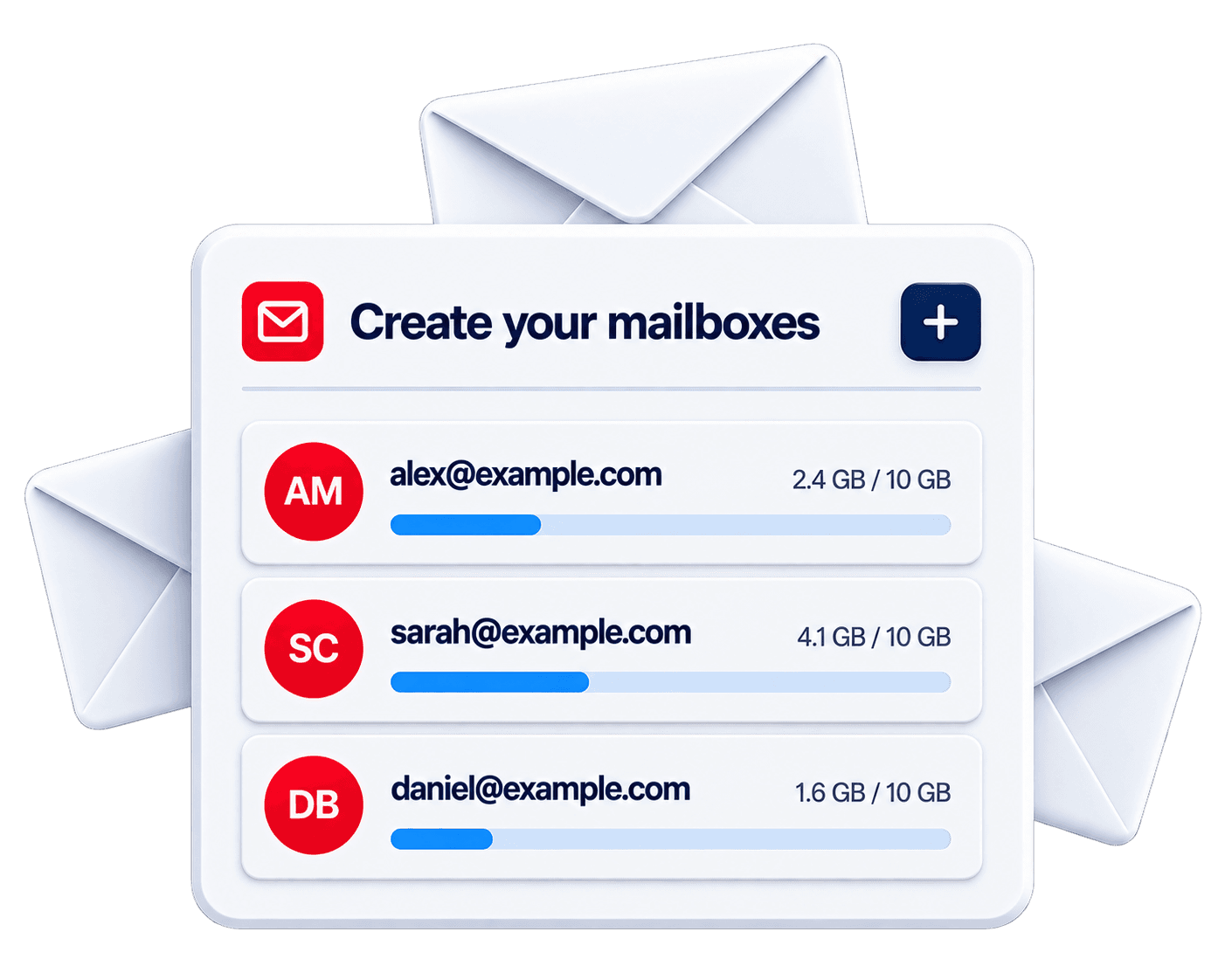
Add your domain, create mailboxes for your team, invite colleagues and see your plan — all in one place.

Works on all your devices

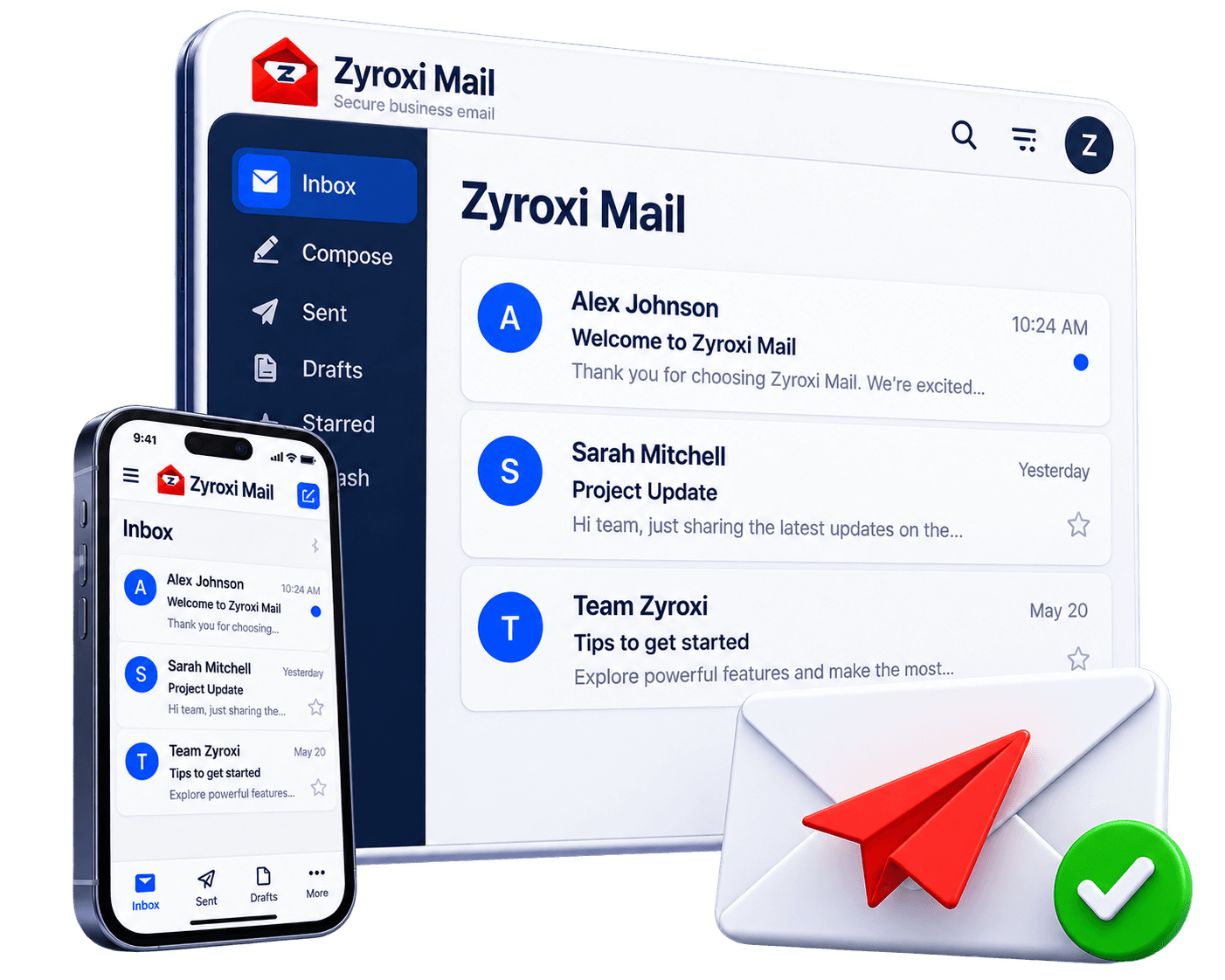
Use the included webmail, or connect Outlook, Apple Mail, Thunderbird and any standard mail app on desktop and mobile.

Encrypted from end to end of the wire

Every connection is TLS-secured, and mail between servers is encrypted in transit with MTA-STS and TLS reporting published for your domain.

Spam and virus filtering

Unwanted mail is filtered before it reaches you, and every message is scanned for malware on arrival.

Your domain is protected from spoofing

SPF, DKIM and DMARC are generated and configured for your domain, so forgers cannot send mail in your name.

Calendar and contacts included

Shared calendars and address books sync to the same apps as your mail — no separate service to buy.

Locked out? Reset it yourself

Give a mailbox a recovery address and its owner can reset their own password from the sign-in page — without waiting on an administrator.

Forward mail and keep your copy

Send incoming mail on to another address from webmail, in a few clicks. The copy in your own inbox stays where it is unless you say otherwise.

Move your team across in stages

Keep some addresses on your old server while the rest run on Zyroxi. Mail reaches everyone throughout, so nobody has to move on the same day.

Real people during your move

We help you configure your domain, transfer your mailboxes, and confirm the migration actually worked.

Get started in three simple steps.

  1. Add your domain

    Verify that you own your business domain.

  2. Create your mailboxes

    Add your team and assign mailbox storage.

  3. Start emailing

    Access webmail or connect your preferred email application.