


Video meetings, inside your email.
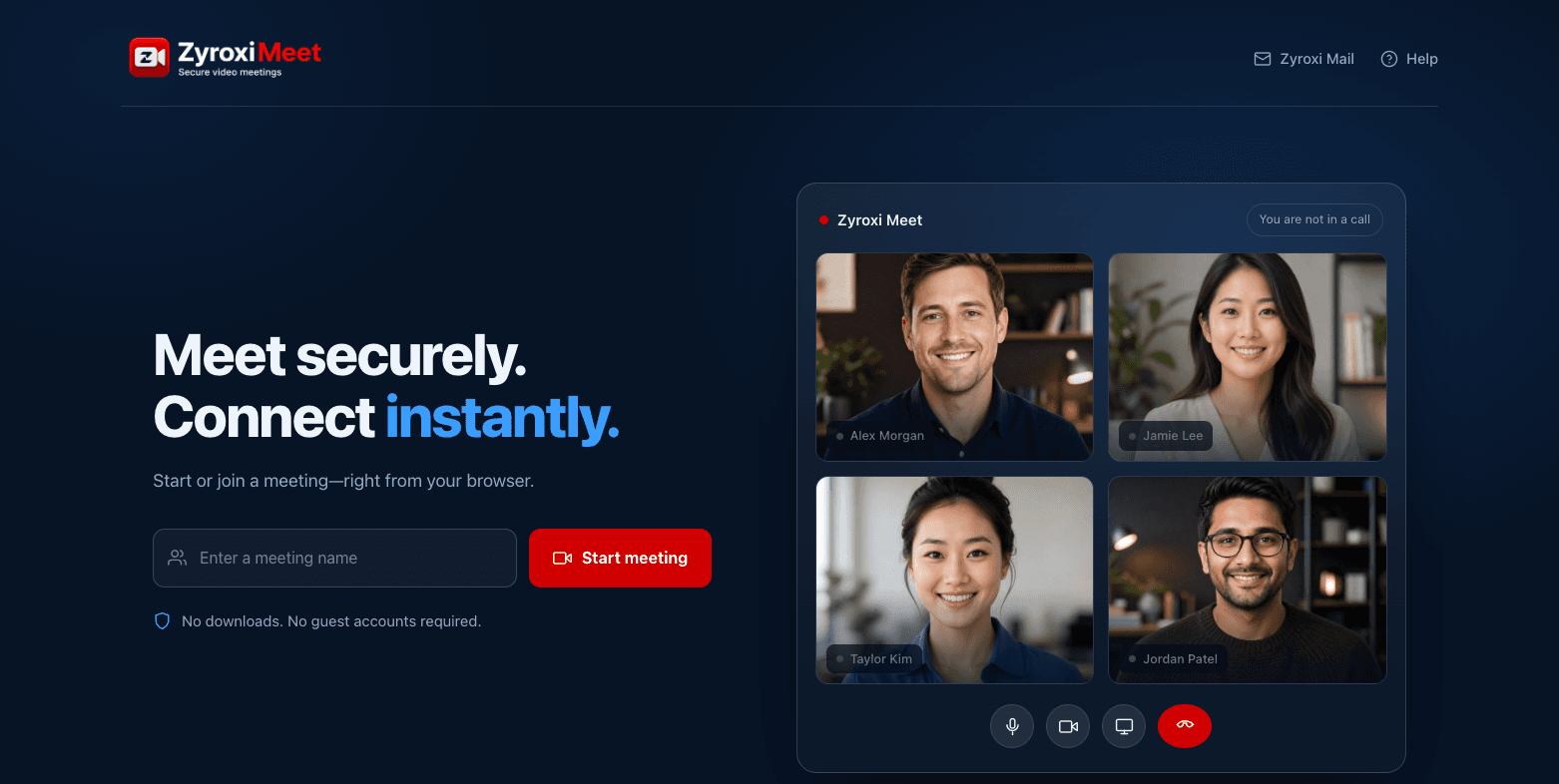
Start a meeting from any browser and share one link. Your guests join without an account, and only a Zyroxi mailbox can host.
How it works
Three steps, and nothing for your guests to install.
Create the meeting
Open the calendar in Zyroxi Mail and add a meeting to an event, or start one from the Meet home page.
Send the link
One link covers the whole meeting. It is safe to forward: it grants no host rights on its own.
Sign in to host
You open the same link and sign in with your mailbox to become the host. Guests simply join.
What you get
Starts in the browser
No downloads, no plugins and no meeting app to install. A meeting opens in the browser your team already has.
One link for everyone
Share a single meeting link. Guests open it and join — no account to create, no sign-up, nothing to remember.
Only your team can host
Starting a meeting requires a Zyroxi mailbox. Anyone with the link can join, but nobody outside your organisation can open a room on your server.
Add a meeting to any invitation
Create the meeting straight from the calendar in Zyroxi Mail, and the link travels with the invitation you send.
Desktop and mobile alike
The same link works in a desktop browser and on a phone, with screen sharing and chat available during the call.
Runs on our own servers
Meetings run on Zyroxi infrastructure rather than a third-party meeting service, and media is encrypted in transit.